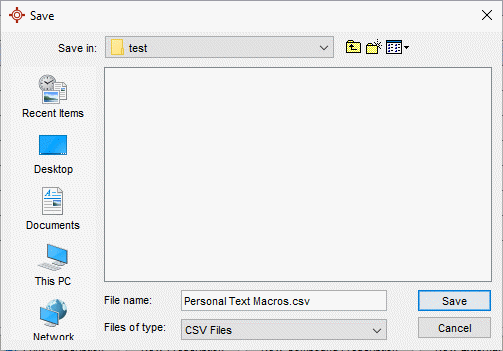
A System Administrator can generate a CSV report for users' Personal Text Macros. The report will contain the Text Macro name, content, creator username, and if they are active or not.
If a Text Macro is inadvertently changed to a Personal Macro rather than a Global Macro then the report can be used to copy and paste the content to create a new Global Text Macro. Alternatively the initial creator of the Text Macro can be asked to to mark it the Macro as Global.
Note: It is recommended that users create this report after clinic hours to avoid clinic interruption.