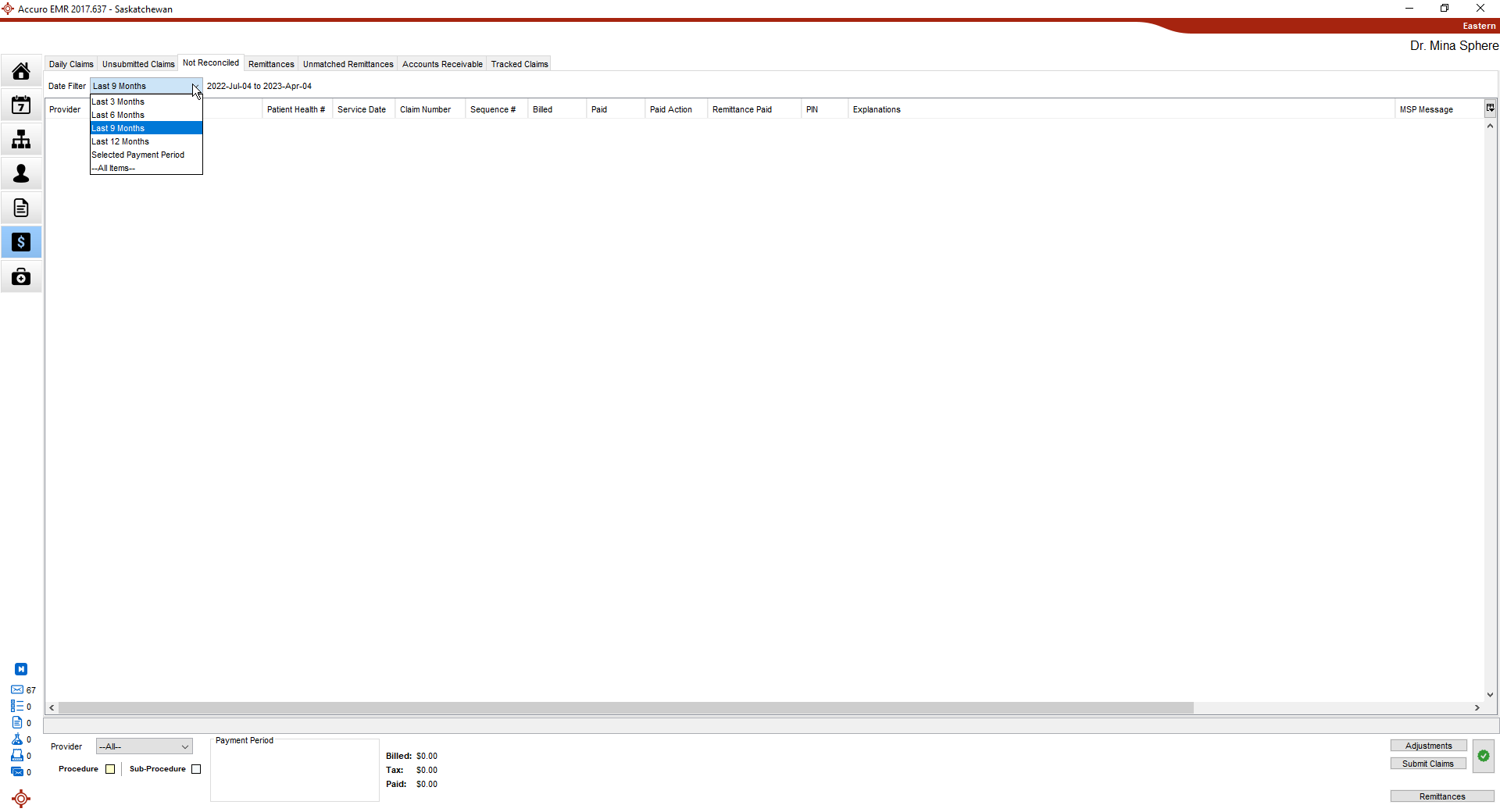
The Not Reconciled tab includes any claims that have been submitted and that have been paid differently than they were billed.
Claims in Not Reconciled can be filtered by Provider or by using the Date Filter (show claims from the last 3, 6, 9, or 12 months, Selected Payment Period (in bottom Payment Period panel), or all items).
Note: The default of this dropdown is the Last 9 Months and can be managed in the Preferences tab of Office Management (Accuro Start Menu > Users > Manage Security > Offices > Preferences tab under Billing).
 Various columns can be added or removed to display in such as Status or Run Code by selecting the Column Options button
  .
.
Claims that have been marked for re-submission can be submitted from the Not Reconciled tab. Only the claims which you currently have displayed are submitted.
 on the Navigation bar.