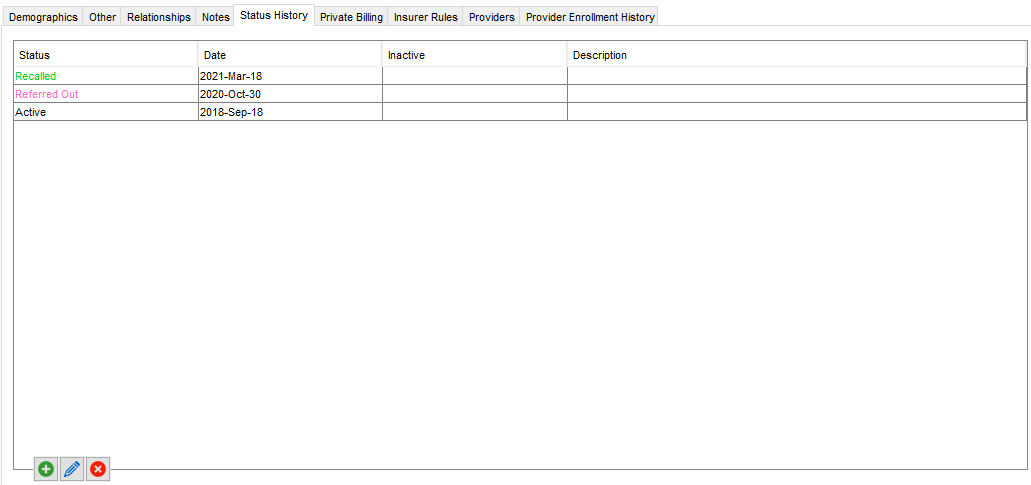
Status History is used to save a record of a patient's status in the office. By default the two status options available are Active and Inactive although they can be customized in Accuro to add more. Two examples of status options that offices use are pregnant and deceased.
Accuro allows statuses to be added, edited and removed.
To manage Patient Statuses, click  . Add
. Add  or remove
  selections as desired.
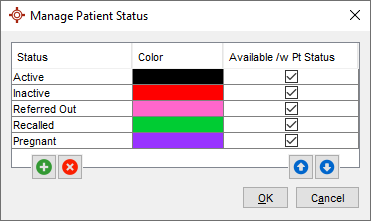
Note: If a Patient Status is currently being used by a patient, it will be unable to be removed.